How to Calculate Your Website Conversion Rate: Formula, Examples, and Fixes
If your website gets traffic but the phone stays quiet, you need one number before you change anything: your conversion rate. This guide shows you how to calculate your website conversion rate with a simple formula, walks through real examples for local service businesses, and then covers what to fix when the number comes back ugly. Spoiler: for most trade and service sites, the biggest missing piece is proof, meaning reviews, right where visitors are deciding whether to call you.
Here is the short version. Website conversion rate equals the number of people who took the action you wanted, divided by total visitors, times 100. If 200 people visited your site last month and 6 called or filled out your form, that is a 3% conversion rate. Now let's do it properly, step by step.
Step 1: Define What a Conversion Means for Your Business
A conversion is any action that moves a visitor toward becoming a paying customer. For a plumber, HVAC company, or landscaper, that usually means a phone call, a completed quote form, or a booked appointment. It does not mean page views, time on site, or someone admiring your photo gallery.
Pick one primary conversion before you calculate anything. If you track calls, forms, and chat messages as one blended number, you will not know which channel is working. Most local service businesses should track:
- Phone calls from the website (tap-to-call on mobile counts)
- Quote or contact form submissions
- Online bookings, if you use a scheduling tool
- Text messages started from the site, if you offer that
Write down your primary conversion. Everything in the next steps measures against it.
Step 2: Pull Your Visitor and Conversion Numbers
You need two numbers for the same time period: total visitors and total conversions. Pull at least 30 days of data; a single week is too noisy for a low-traffic local site.
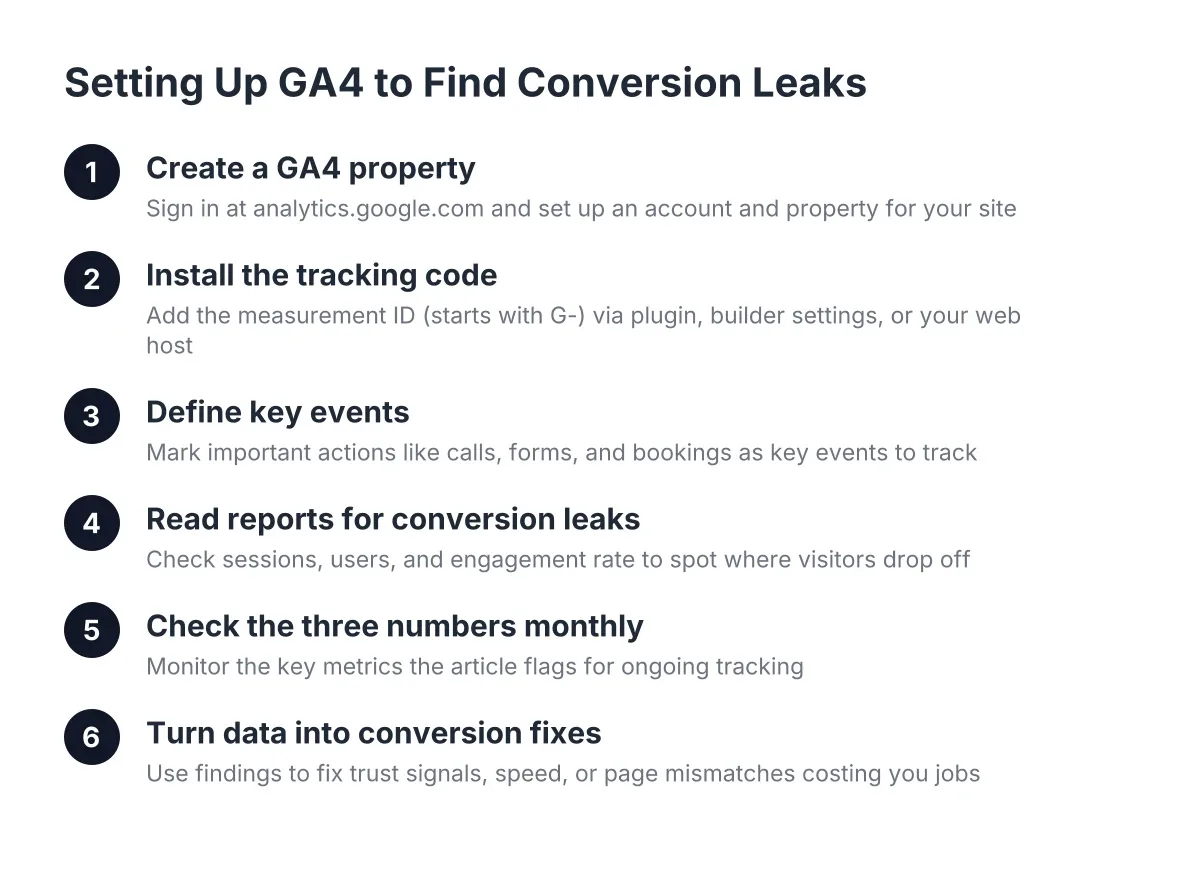
For visitors, open Google Analytics (GA4) and look at Users or Sessions for the last 30 days. Sessions counts visits; Users counts people. Either works, just be consistent. If you do not have analytics installed, that is your first fix, because you cannot improve a number you never see.
For conversions, count form submissions from your inbox or form tool, and website calls from your call tracking or phone log. However, be honest here. A call from your truck wrap or a referral does not count. You are measuring what the website produced, so only count calls and forms that came through the site.
Step 3: How to Calculate Website Conversion Rate
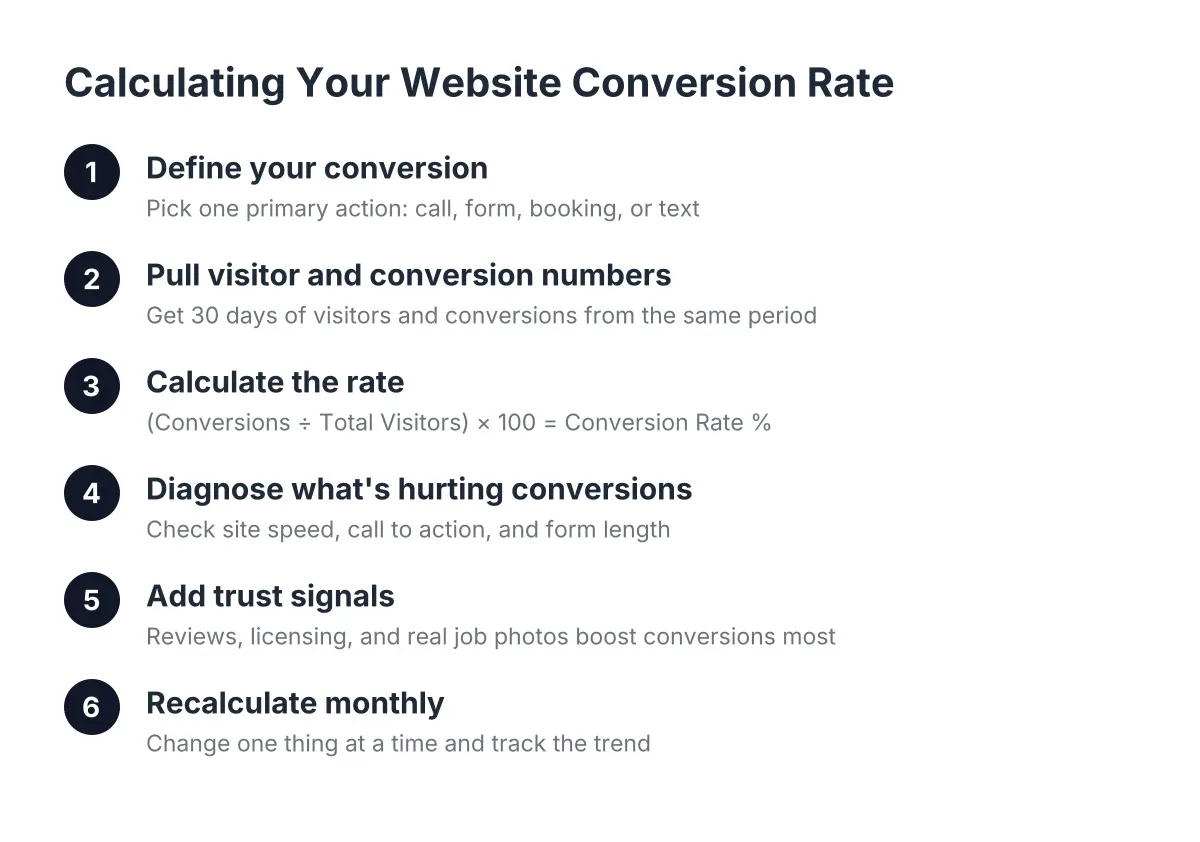
To calculate your website conversion rate, divide conversions by visitors and multiply by 100. The formula is: (Conversions ÷ Total Visitors) × 100 = Conversion Rate %. That single percentage tells you how hard your website is actually working for you.
Suppose a two-truck HVAC company gets 450 website visitors in a month. They receive 9 quote forms and 5 tracked calls from the site, so 14 total conversions. The math: 14 ÷ 450 = 0.031, times 100 = 3.1%. In that scenario, about 1 in every 32 visitors becomes a lead.
Run your own numbers now. Then do it again for mobile visitors only, because for most trade businesses, 60 to 80% of traffic is on a phone, and mobile is usually where conversion falls apart.
What Counts as a Good Conversion Rate for a Local Service Site?
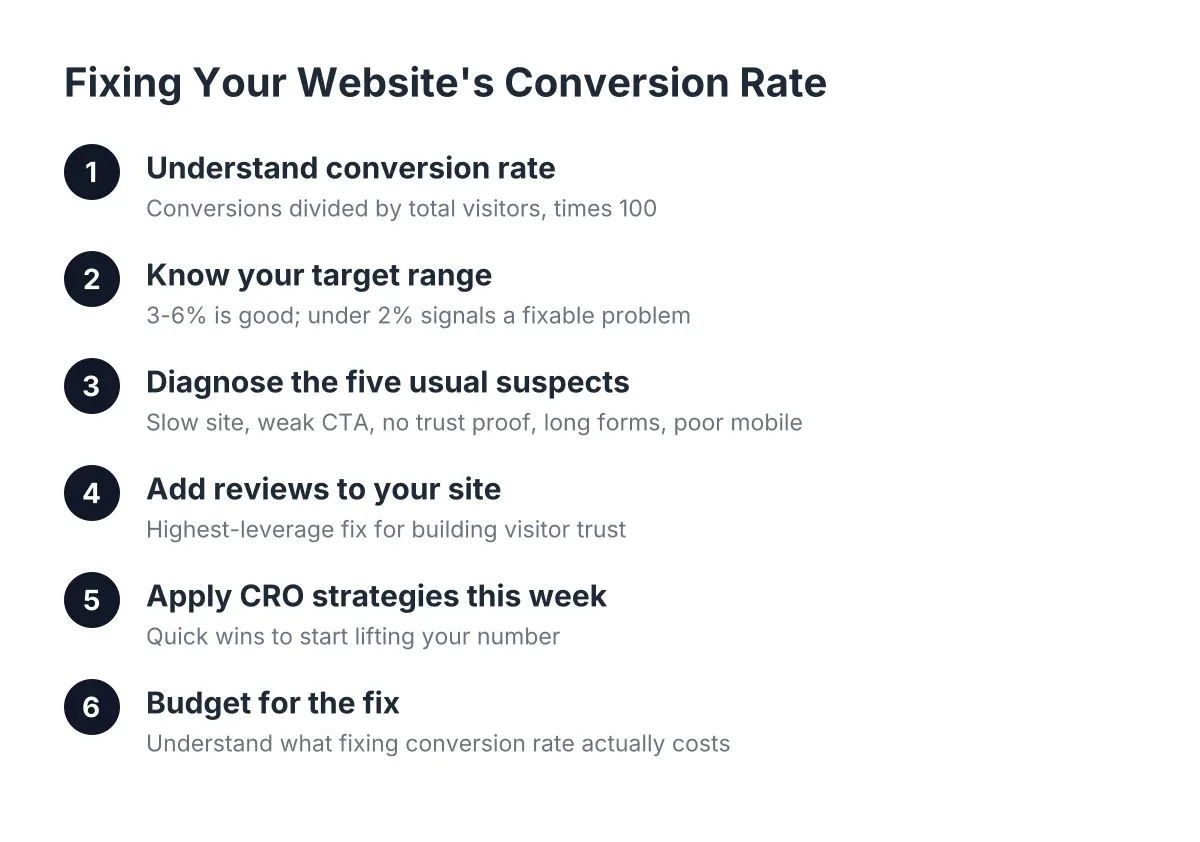
A good conversion rate for a local service business website typically lands between 3% and 6%, with sharp sites pushing 8% or higher. If you are under 2%, the site has a conversion problem, not a traffic problem. If you are above 5% with low traffic, your next dollar belongs in visibility, not design.
Treat these ranges as rough benchmarks, not gospel. Emergency services (burst pipe, dead furnace in January) convert higher than considered purchases like a full kitchen remodel. Compare against your own baseline month over month; that trend matters more than anyone else's average.
Step 4: Diagnose Why Your Website Isn't Converting
Once you know your number, figure out what is dragging it down. If you have been asking "why isn't my website converting," the answer is almost always one of four things: no clear call to action, a slow site, a painful form, or a lack of trust signals. Walk through your own site on your phone and check each one.
First, speed. According to Google, 40% of consumers will abandon a webpage that takes longer than three seconds to load. Google also found that median mobile load times for sessions where users bounced were about 2.5 seconds slower than for sessions where they stayed. A slow site bleeds leads before anyone sees your work.
Next, the call to action. The best call to action for a service business website is specific and low-friction: "Get a Free Quote" or "Call Now, We Answer" beats a vague "Learn More" every time. Your phone number and primary button should be visible without scrolling, on every page, especially on mobile.
Then, your form. If your quote form asks for ten fields, you are filtering out tired homeowners at 9 p.m. Name, phone, and a short description of the job is enough. You can qualify them on the call.
Step 5: Add the Trust Signals That Move the Number Most
Reviews are the highest-leverage conversion fix for a local service site, full stop. A visitor comparing three roofers at their kitchen table is not reading your mission statement. They are looking for proof that real customers hired you and were glad they did. Website trust signals, meaning reviews, licensing, photos of real jobs, and a real local address, are what turn a decent conversion rate into a strong one.
Here is how to add reviews to your website the right way:
- Pull your best Google reviews onto the site with a live feed or widget, not screenshots that go stale.
- Place review snippets next to every call to action, so proof sits beside the ask.
- Show the total count and star rating near the top of the homepage, not buried on a "Testimonials" page nobody visits.
- Match reviews to services; a review about a furnace install belongs on your furnace page.
Responding to reviews matters too, and prospects notice. According to BrightLocal, 88% of consumers say they would use a business that replies to all of its reviews, compared to just 47% for a business that never responds. If collecting and responding feels like one more job you do not have time for, that is exactly what review automation exists to handle.
This is the core of any real conversion optimization strategy for a local business: get visitors to the decision point fast, then surround that decision with proof. Everything else, from headlines to colors, is tuning around those two levers.
Step 6: Recalculate Monthly and Change One Thing at a Time
Conversion work is not a one-time fix. Set a recurring reminder to calculate your website conversion rate on the first of every month, using the same definitions from Steps 1 and 2. Log it in a simple spreadsheet: visitors, conversions, rate.
In addition, change only one thing between measurements. If you compress your form, add a review widget, and rewrite your headline in the same week, you will never know which change worked. This test-and-measure loop is what conversion rate optimization actually is: the ongoing practice of finding what stops visitors from converting, fixing it, and measuring the result. Whole careers exist inside website conversion optimization, but a local business owner only needs the loop, not the job title.
One honest caveat: with fewer than about 300 visitors a month, your rate will swing a lot from randomness alone. Do not panic over a single bad month. Watch the three-month trend, and if your numbers stay flat after speed, CTA, form, and review fixes, it is worth having a professional audit the site rather than guessing.
The Bottom Line
The formula is simple: conversions divided by visitors, times 100. The discipline is what pays: define the conversion, measure honestly, fix speed and CTAs, put reviews where decisions happen, and recalculate every month. Too many great businesses lose work to bigger, worse competitors simply because the competitor's website looks more trustworthy at 9 p.m. on a Tuesday. Your number tells you exactly how much of that work you are leaving on the table, and now you know how to move it.
If you need web design, Revenue Goblin can help.