Best Review Management Software for Service Businesses: 7 Features That Matter
If you run an HVAC, plumbing, roofing, or landscaping business, the best review software for trade businesses is not the one with the longest feature list. It is the one that gets more of your happy customers to post Google reviews without adding work to your day. Most comparison articles are written for agencies managing 50 brands or hotel chains with reputation teams. You have a truck, a crew, and about four minutes between jobs. This breakdown compares the features that actually move the needle for a local service business, so you can confirm the tool you picked will earn its monthly fee, and set it up right.
One stat frames everything here: Google hosts about 73% of all online reviews, more than six times as many as its nearest competitors combined, according to Exploding Topics. So when we talk about features, we are mostly talking about one job: getting reviews onto your Google Business Profile, fast and consistently.
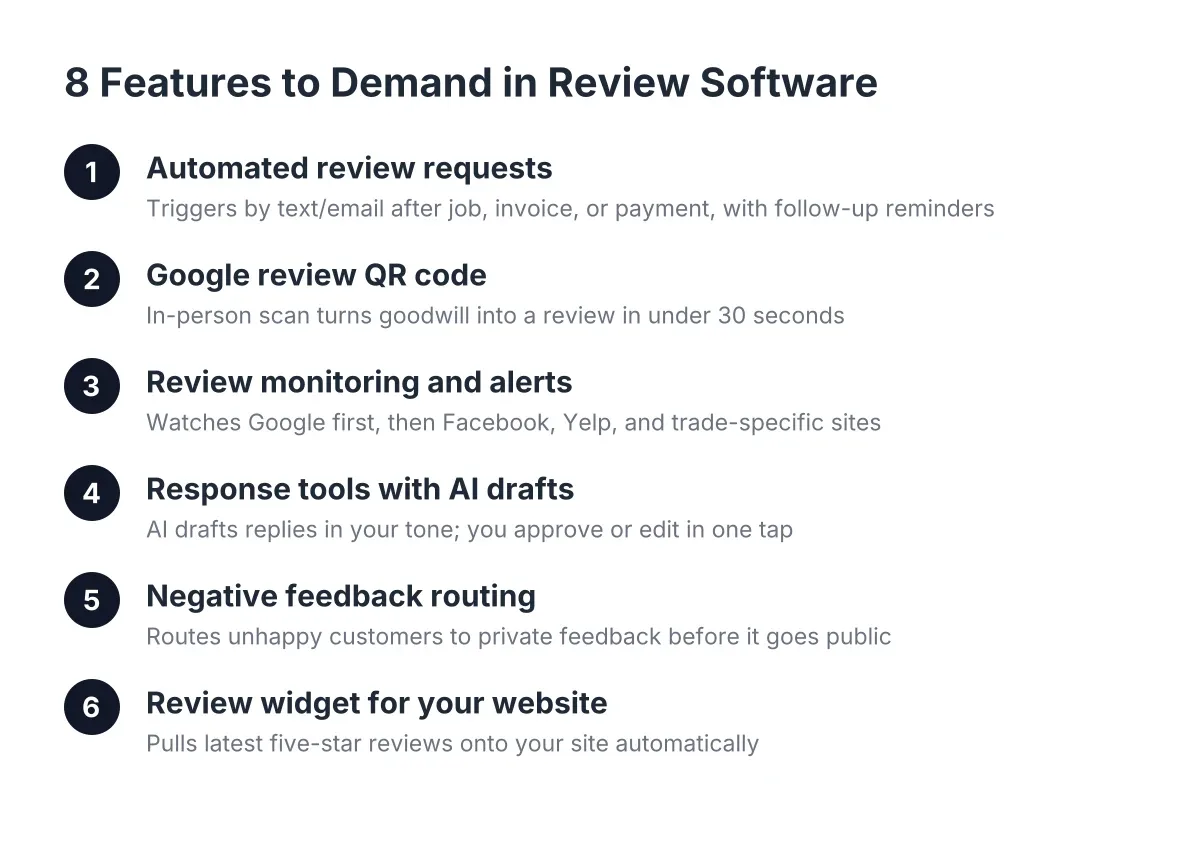
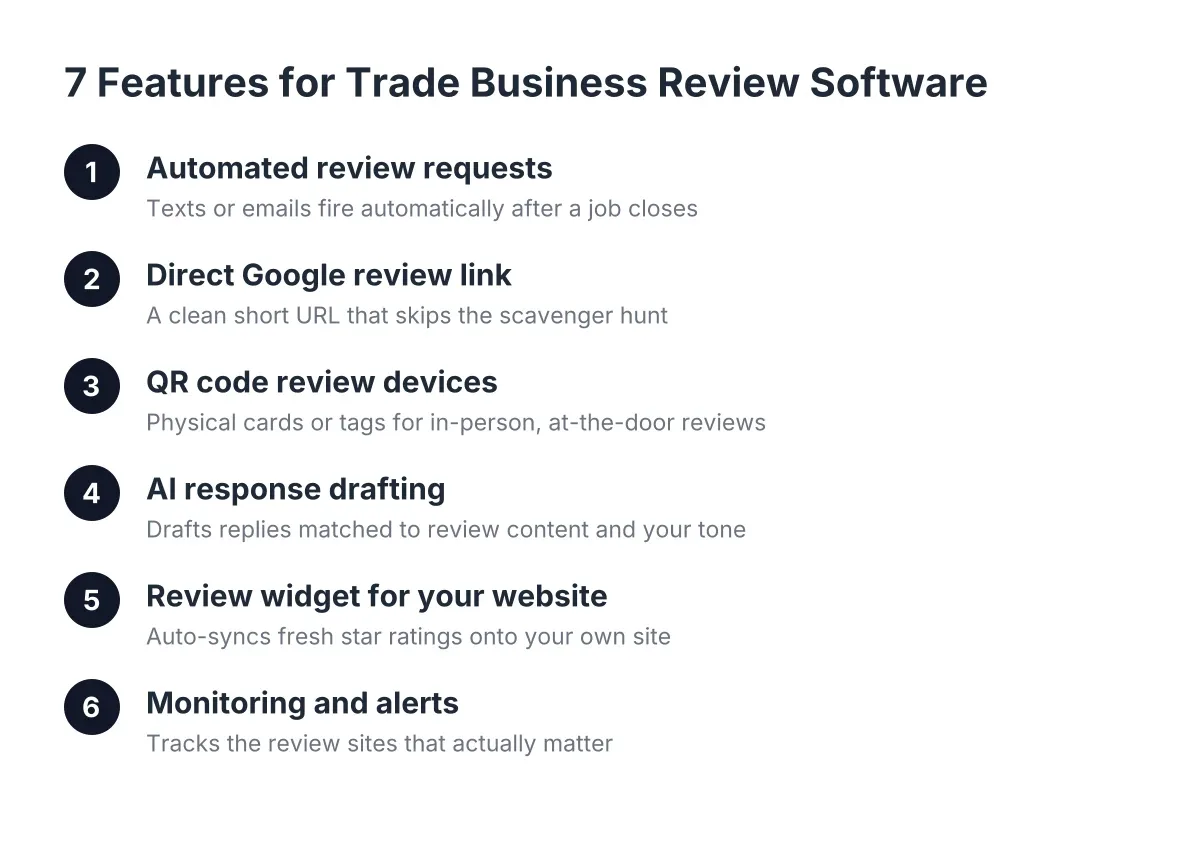
Here are the seven features to compare, in order of how much revenue they influence.
1. Automated Review Requests That Fire Without You Thinking About It
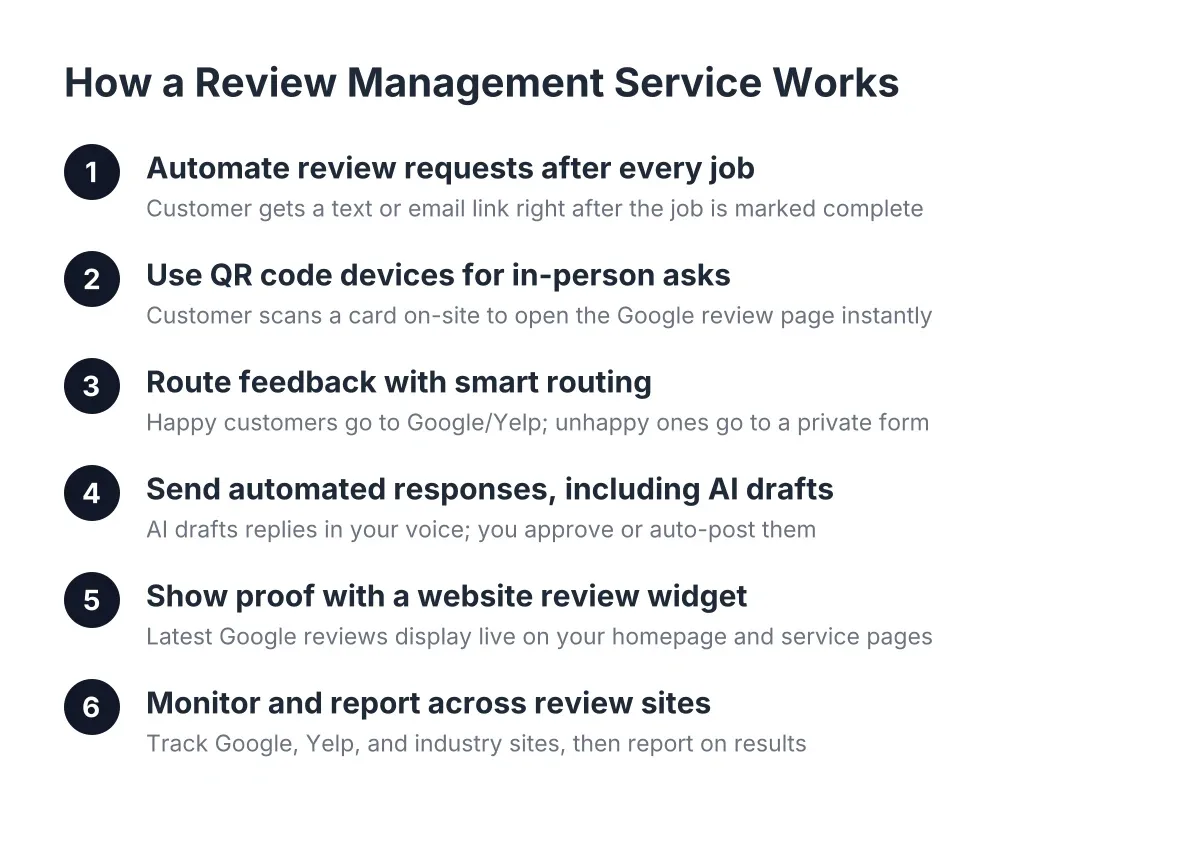
This is the core of any review management software worth paying for. The tool should send a text or email asking for a review automatically after a job closes, not whenever you remember to do it. Manual requesting always dies within three weeks because you are busy running the actual business.
When you evaluate review software that serves trade businesses, look at how the automation triggers. The best setups connect to your invoicing or job-completion workflow so the request goes out the same day the customer is happiest, which is the day you fixed their problem. Text requests convert far better than email for trade businesses because your customers are homeowners checking their phones, not office workers clearing an inbox.
If you are on a plan like our Basic reviews tier, the setup step that matters most is loading your customer list and confirming the send timing. Do that in week one. A tool sitting unconfigured is just a subscription you donate to.
2. A Direct Google Review Link, Not a Scavenger Hunt
A google review link generator creates a short URL that drops the customer directly onto the "write a review" box for your business. No searching, no scrolling your profile, no tapping through three screens. Every extra tap costs you a review, and a confused 65-year-old homeowner who wanted to praise your work gives up after one dead end.
Compare how each tool handles this. Some bury the link behind a landing page with a star-rating pre-screen. Others give you a clean short link you can text, print, or embed. You want the clean link, and you want it in your text templates, your email signature, and on the back of every invoice.
One honest note on pre-screening: filtering unhappy customers to a private feedback form instead of Google is called review gating, and it violates Google's policies. The right move is asking everyone and responding well to the occasional rough one. If you are unsure whether your current setup gates, check it before Google does.
3. QR Code Review Devices for the Moment You Are Standing in the Driveway
A QR code review device is a physical card, stand, or tap-enabled tag that opens your Google review page when a customer scans it with their phone. For trade businesses, this is the single most underrated feature in any comparison, because your best review moment happens in person, at the door, right after the walkthrough.
Here is an illustrative scenario. Suppose a solo electrician finishes a panel upgrade, and the homeowner says "wow, that was fast." The electrician hands over a QR card and says, "If you've got 30 seconds, a review helps me more than any ad I could buy." That customer reviews on the spot at a rate no follow-up text will ever match, because the gratitude is still warm.
When comparing plans, check whether QR devices are included, sold separately, or missing entirely. We include QR review devices alongside our reviews plans for exactly this reason: the in-person ask plus the automated follow-up covers both types of customers, the ones who act now and the ones who need a nudge that evening.
4. AI Response Drafting: Software Helping Trade Businesses Reply to Every Review
Responding to reviews is not optional. According to BrightLocal, 88% of consumers say they would use a business that replies to all of its reviews, compared to just 47% for a business that never responds. That gap is bigger than most owners realize, and it is pure margin: responding costs nothing but time, which is exactly what you do not have.
Therefore, compare how each tool handles responses. The better platforms draft replies with AI, matched to the review's content and your tone, so you approve and post in seconds instead of staring at a blank box. Some tools on higher tiers, like our Pro and Growth plans, handle drafting and posting so your response rate stays at 100% even during your busy season.
A word of caution: read AI drafts before they post, at least for negative reviews. A templated reply to a genuinely angry customer makes things worse. For a legal threat or a review alleging property damage, slow down and consider talking to an attorney before responding publicly.
5. A Review Widget That Puts Your Stars on Your Website
A review widget for website use pulls your Google reviews onto your own site automatically, so visitors see fresh five-star proof without leaving your page. Nearly all consumers, 93% according to Exploding Topics, say online reviews impact their purchase decisions. Collecting reviews and then hiding them off-site wastes half their value.
When you compare review software and trade businesses' specific widget needs, check three things about the widget:
- Auto-sync. New reviews should appear on your site without you touching anything.
- Load speed. A bloated widget slows your site, and slow sites lose mobile visitors and Google rankings.
- Filtering. You should be able to feature your strongest reviews on key pages, like your "furnace repair" page showing furnace reviews.
This is where an integrated website-plus-reviews setup beats bolting a third-party widget onto a site built by someone else. When the same system builds the site and manages the reviews, the widget is designed into the page instead of duct-taped onto it.
6. Monitoring and Alerts Across the Sites That Actually Matter
Review monitoring means the software watches Google, Facebook, and industry sites, then alerts you the moment a new review lands. For a local service business, speed matters most on negative reviews. A one-star review sitting unanswered for two weeks reads as "this company does not care," while a same-day response reads as "this company shows up."
However, do not overpay for monitoring breadth you will never use. Multi-location review management, hotel reputation dashboards, and 40-platform coverage are built for franchises and hospitality groups, and they are priced accordingly. A plumber with one service area needs Google covered deeply, Facebook covered adequately, and maybe one trade directory. That is it.
This is the trap in most "best reputation management software" lists: they rank enterprise tools highly for features a two-truck operation will never open. Match the monitoring scope to your actual footprint, and put the savings toward getting more reviews instead.
7. Pricing That Matches Trade Businesses and Small Service Operations
A review software pricing comparison in 2026 puts most small-business tools between $99 and $400 per month, with enterprise reputation platforms running $500 to several thousand. Anything priced "contact us for a quote" is usually not built for you, and the sales process alone will eat a week you do not have.
Structure matters as much as the number. Look for:
- Flat monthly pricing with the plan tiers published, not hidden behind a demo call.
- No per-review or per-request fees that punish you for succeeding.
- Month-to-month terms or short commitments, so the tool has to keep earning its spot.
- Included hardware like QR devices, rather than a surprise add-on.
For reference, our own reviews-only plans run $99 to $399 per month across Basic, Pro, and Growth tiers, which is the range a solo operator or small crew can justify against one or two extra booked jobs. If a tool cannot pay for itself with two jobs a month, the math does not work, no matter how slick the dashboard is.
How to Tell If Your Review Management Software Is Actually Working
The best review management software proves itself in 90 days with three numbers: review volume, response rate, and inbound calls. If reviews are not climbing month over month, the automation is misconfigured or the ask timing is wrong. Fix the trigger before blaming the tool.
Track these benchmarks after setup:
- Weeks 1 to 2: Automation connected, QR devices in every truck, direct review link in your text templates.
- Days 30 to 60: Review count up noticeably; most service businesses see requests convert at 10% to 30% when timing is right (an estimate, and texting beats email).
- Day 90: 100% response rate on all reviews, widget live on your site, and you can name at least one customer who mentioned your reviews when they called.
Context on why this effort compounds: BrightLocal found that while 89% of small and midsize businesses invest in organic SEO, only 40% have a dedicated business website. A steady stream of Google reviews feeding a fast, professional site puts you ahead of most of your local competitors on both fronts at once. Too many great businesses lose to bigger, shittier brands simply because the bigger brand looks better online. Reviews are how you close that gap without outspending anyone.
One final trade-off worth naming: no software fixes a service problem. A review harvester pointed at unhappy customers just documents the unhappiness faster. If your work is good and your customers are happy, the right tool turns that into visible, compounding proof. That is the whole job. Pick the tool that does it with the least effort from you, set it up in the first two weeks, and let the automation run while you do the work that earns the stars.
If you need web design, Revenue Goblin can help.