How a Review Management Service Automates Collecting and Showing Reviews
If you run a local service business, you already know reviews win jobs. What you probably don't have is time to chase them. A review management service solves that by automating the two things that matter most: asking every happy customer for a review at the right moment, and putting those reviews where buyers actually see them. This article breaks down the seven ways that automation works, what it costs in 2026, and how to pick a setup that fits a one-truck operation or a small crew without adding another job to your week.
Here's why the stakes are higher than most owners think. According to Exploding Topics, 93% of consumers say online reviews impact their purchase decisions, and Google hosts about 73% of all online reviews. Translation: if your Google profile shows 11 reviews and your competitor across town shows 140, you're losing calls before the phone ever rings. Too many great businesses lose to bigger, shittier brands for exactly this reason.
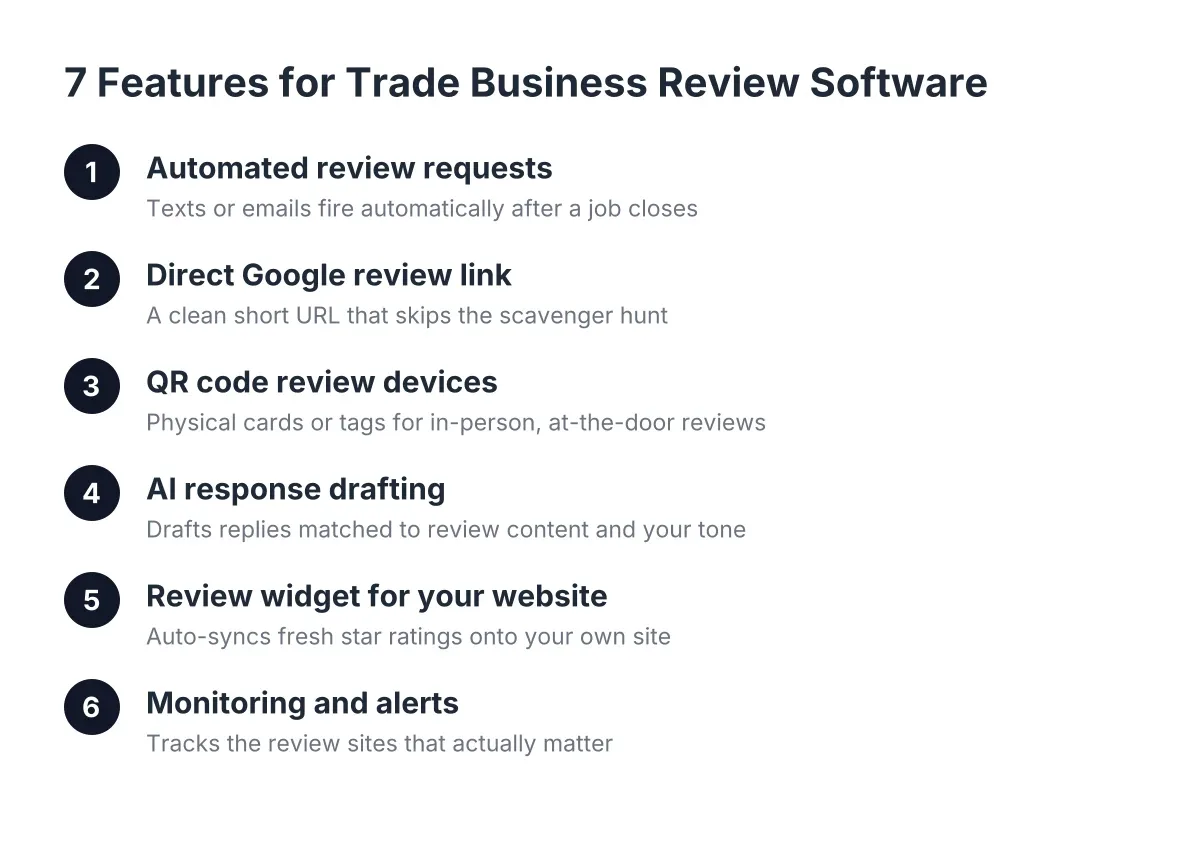
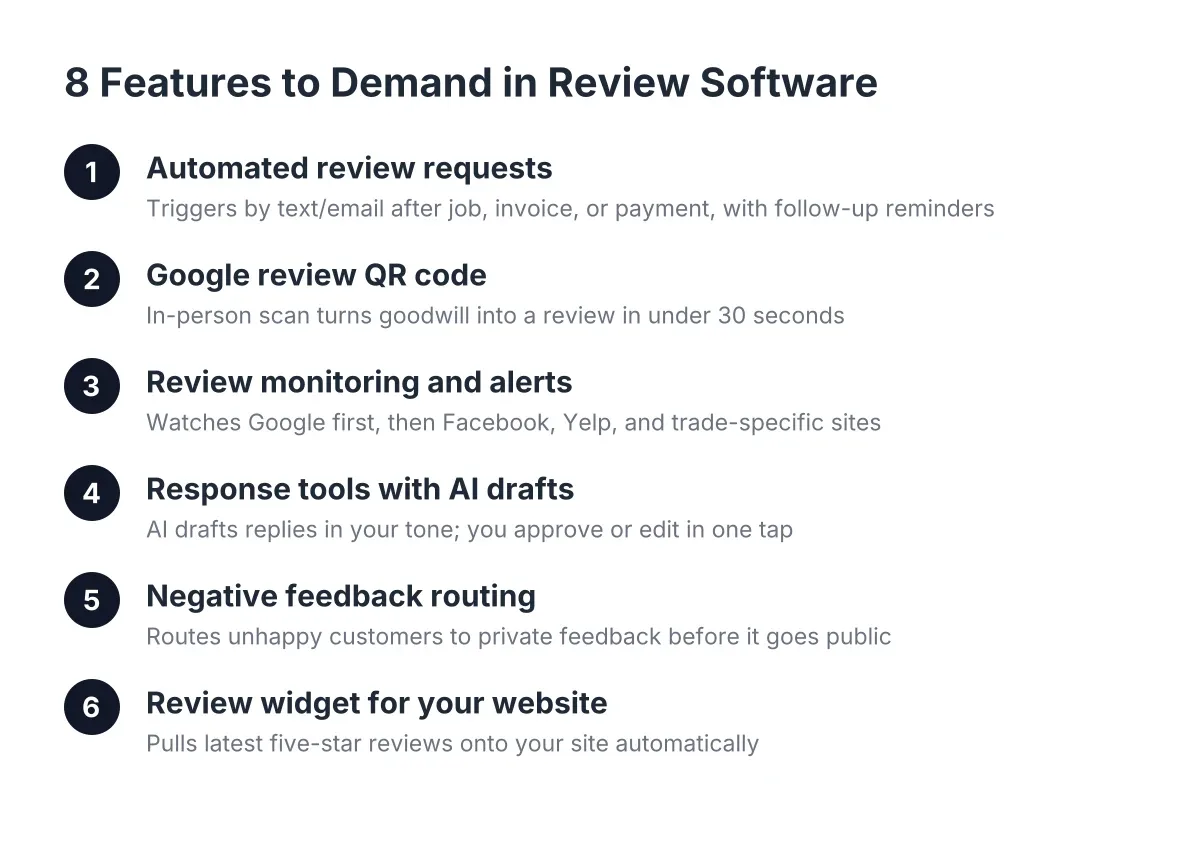
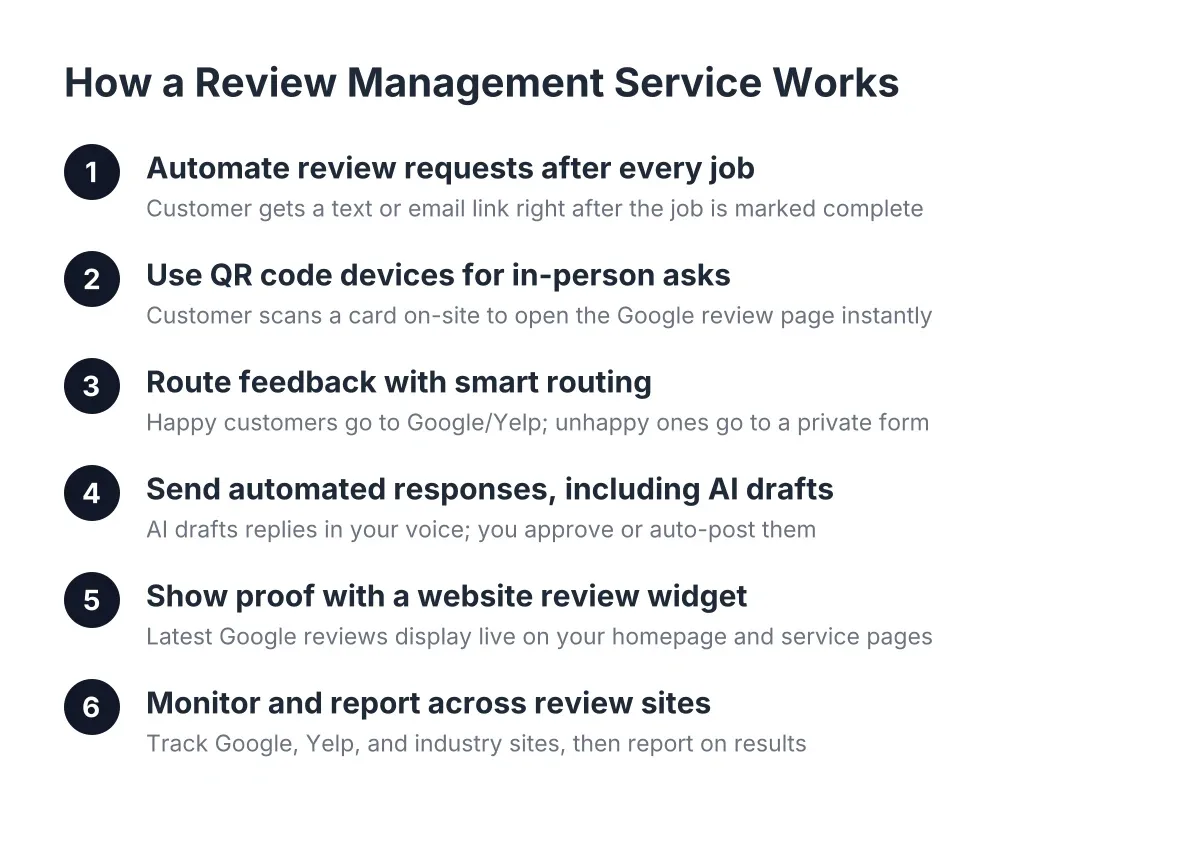
Below are seven things a good review management service automates, in rough order of impact. Use it as a checklist when you compare tools and vendors.
1. How Review Management Services Automate Requests After Every Job
The single biggest driver of review volume is asking every customer, every time, right after the work is done. Review management software does this for you: finish the job, mark it complete, and the customer gets a text or email with a direct link to your Google review page. No sticky note on the dashboard reminding you to follow up, no awkward "hey, would you mind" conversation three weeks later when the customer has forgotten how great you were.
Timing is the whole game here. A homeowner who just watched you fix their AC in July is primed to leave five stars that afternoon. The same homeowner next Tuesday is back to ignoring texts. Automation removes the gap between "happy customer" and "ask."
When you compare tools, check how the request actually gets triggered. Some platforms require you to upload spreadsheets of customer contacts. Better ones let you fire a request from your phone in ten seconds, or connect to the invoicing tool you already use.
2. QR Code Review Devices for In-Person Asks
A QR code review device is a small card or stand you hand the customer, or leave on the counter, that opens your Google review page the moment they scan it. For trades and in-person services, this is the fastest path from "thanks, looks great" to a posted review. According to World Sync, 61% of shoppers have scanned a QR code on a product after purchase, so the behavior is already familiar; you're not asking anyone to learn something new.
Say a solo plumber finishes a water heater swap. Instead of promising to "send a link later," he hands over a QR card while the customer is still standing next to the new unit. The review goes up before his van leaves the driveway. That's the difference between a 30% response rate and hoping.
QR devices work best as a complement to automated texts, not a replacement. Use the device when you're face to face; let the automation catch everyone else.
3. Smart Routing That Catches Problems Before They Go Public
Good review automation asks customers how their experience went before pointing them anywhere. Happy customers get routed straight to Google or Yelp. Unhappy customers get routed to a private feedback form that lands in your inbox, giving you a chance to fix the problem before it becomes a one-star post you can't take down.
One honest caveat: platforms can't legally block negative reviews, and any review management service promising to "delete bad reviews" is selling something that doesn't exist. What routing actually does is give you a first shot at resolving the issue, which is usually all a reasonable customer wants anyway.
For a small team, this feature alone can justify the monthly cost. One defused complaint protects a rating that took you two years to build.
4. Automated Responses, Including AI Drafts You Approve
Responding to reviews matters more than most owners realize. According to BrightLocal, 88% of consumers say they would use a business that replies to all of its reviews, compared to just 47% for a business that never responds. That gap is nearly double, and it's free to close; it just takes time you don't have.
Modern platforms solve this with AI-drafted responses. The software reads each new review, writes a reply in your voice, and either posts it automatically or queues it for your approval. A five-star review gets a warm, specific thank-you. A three-star review gets a measured response that shows future readers you take feedback seriously.
Look for a tool that lets you choose the level of automation. Auto-posting replies to five-star reviews is low risk. For anything under four stars, you want a human, meaning you, to glance at the draft first.
5. A Review Widget That Puts Proof on Your Website
Collecting reviews is half the job; displaying them is the other half. A review widget for your website pulls your latest Google reviews onto your homepage and service pages automatically, so fresh social proof shows up without you touching anything. A visitor comparing three roofers at 9 p.m. sees your 4.9 stars and 200 reviews right next to the "call now" button.
This matters because your website and your reviews aren't separate projects; they feed each other. Reviews build the trust, the website converts it into booked jobs. A static "testimonials" page you last updated in 2023 does neither. If you're evaluating website and review packages together, make sure the widget updates in real time and looks right on a phone, since that's where most of your local traffic lands.
6. Monitoring Across Google, Yelp, and Industry Sites
You can't respond to a review you never saw. Monitoring tools watch your profiles across Google, Yelp, Facebook, and industry-specific sites, then alert you the moment a new review lands. For a solo operator, this replaces the habit of anxiously checking your Google profile between jobs, or worse, not checking at all.
Multi-location review management matters here too, even at small scale. Suppose a two-location auto repair shop gets a one-star review at the second location while the owner works out of the first. Without alerts, that review sits unanswered for weeks, and according to BrightLocal, 91% of consumers say local branch reviews affect their overall perception of the whole brand. One quiet location can drag down both.
Prioritize Google in your evaluation. A dedicated Google review management tool that nails your Google profile beats a platform that monitors 40 sites you've never heard of but handles Google poorly.
7. Reporting That Shows Whether Any of This Is Working
The last piece of automation is the simplest: a monthly snapshot of review count, average rating, response rate, and how you stack up against local competitors. You shouldn't need a marketing degree to answer "are we getting more reviews than last quarter?" If a platform buries that answer in dashboards built for enterprise marketing teams, it's built for someone else.
Good reporting also connects reviews to outcomes you care about: calls, form fills, and booked jobs. That's the ROI question, and it's the one that should decide whether you keep paying for the tool.
What a Review Management Service Costs in 2026
As of 2026, review management services for small local businesses generally run $50 to $500 per month, depending on automation depth and whether response handling is included. Entry plans around $99 per month cover automated requests and monitoring. Mid-tier plans near $200 to $300 add AI responses and widgets. Full-service reputation management services aimed at larger brands can run $1,000+ per month, which is overkill for most trades.
Here's a realistic way to think about the tiers:
- Basic (roughly $99/month): automated review requests, smart routing, and Google monitoring. Right for a solo operator who needs volume and alerts, nothing fancy.
- Pro (roughly $199 to $249/month): everything in Basic, plus AI-drafted responses, a website review widget, and reporting. The sweet spot for most 2-to-10-person service businesses.
- Growth (roughly $349 to $399/month): multi-location support, competitor tracking, and deeper automation. Worth it once you have a second location or a second crew.
- QR review devices: usually a one-time hardware cost of $20 to $100 per device, and often the highest-ROI line item on the list for in-person trades.
Watch for two pricing traps when comparing vendors. First, per-location fees that look cheap until you add your second shop. Second, annual contracts with setup fees that lock you in before you've seen whether the automation actually fits how you work.
How to Choose the Right Setup for a Small Local Business
Match the tool to your workflow, not the feature list. A one-person landscaping outfit needs requests that fire from a phone and a QR card in the truck. A seven-person HVAC company needs routing, AI responses, and reporting an office manager can run without calling IT. Neither needs enterprise reputation software with 14 integrations they'll never open.
Three questions cut through most vendor comparisons fast:
- Can I send a review request in under 30 seconds from my phone, from a job site?
- Does it route unhappy customers to me privately before they hit Google?
- Will my newest reviews show up on my website automatically?
If a platform answers yes to all three and the price fits your margin, you've found your short list. One more trade-off worth naming: an all-in-one setup that bundles your website, local SEO, and review automation means one vendor and one bill, but less flexibility to swap individual pieces later. A stack of separate point tools gives you flexibility at the cost of more logins, more invoices, and more things to break. For most owner-operated businesses, the integrated route wins on time saved alone, and time is the thing you're actually buying.
The bottom line: reviews are the trust layer of your entire online presence, and automation is the only way a small team collects them at scale. Pick the tool that asks every customer, catches problems early, and puts the proof where buyers see it. Then get back to the work that earns five stars in the first place.
If you need web design, Revenue Goblin can help.