Online Reputation Management Software: 8 Features Phoenix, AZ Businesses Should Demand
If you run a service business in Phoenix, AZ, you have probably noticed the same thing we have: the company with 400 Google reviews gets the call, and the company with 12 reviews gets ignored, even when the work quality is reversed. That gap is why you are shopping for online reputation management software in the first place. The problem is that most comparison articles are written for enterprise brands with 50 locations and a marketing department. You have a truck, a small crew, and maybe an office manager. This list covers the eight features that actually matter when a solo operator or small team evaluates review tools in 2026, with real pricing context so you can decide instead of endlessly comparing.
One quick framing before the list. Nearly all consumers, 93% according to Exploding Topics, say online reviews impact their purchase decisions. And Google hosts about 73% of all online reviews, more than six times its nearest competitors combined, also per Exploding Topics. So the software you choose has one job above all others: get more happy customers leaving Google reviews, consistently, without eating your time.
1. Automated Review Requests That Run Without You
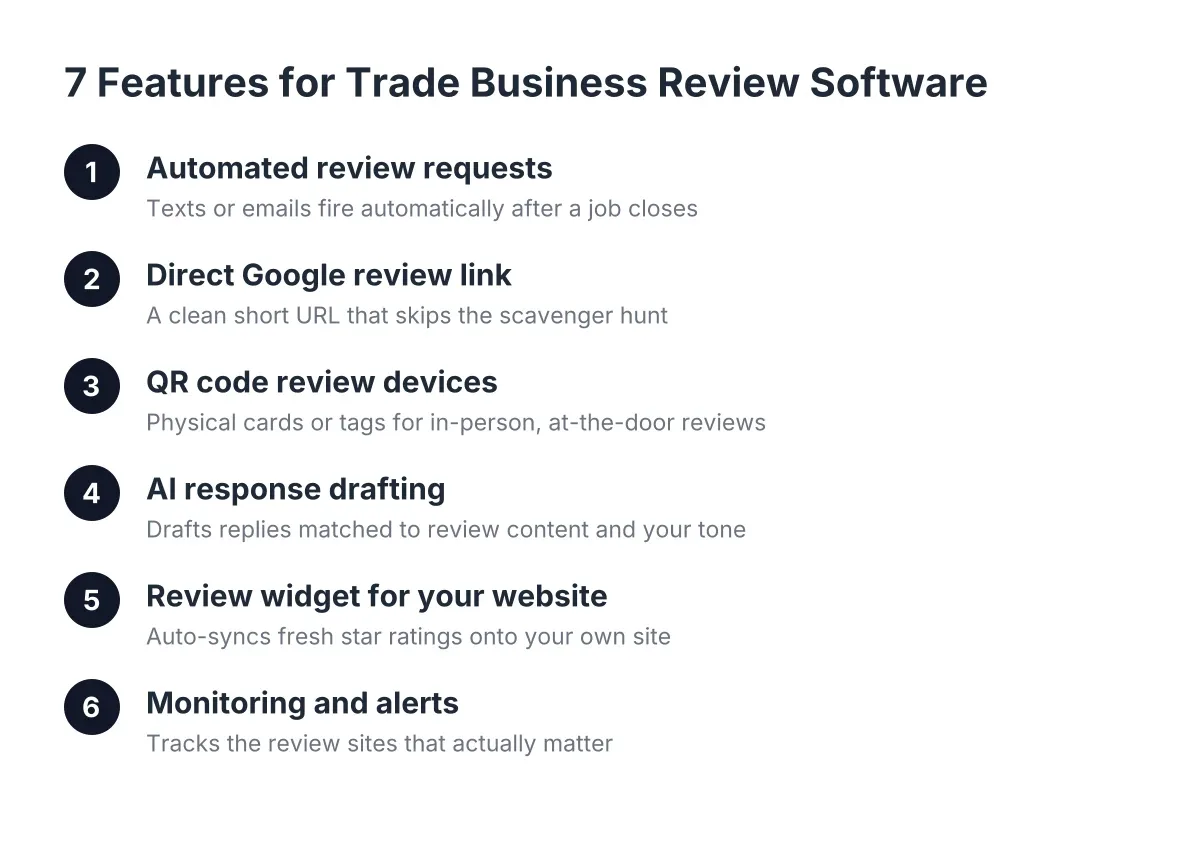
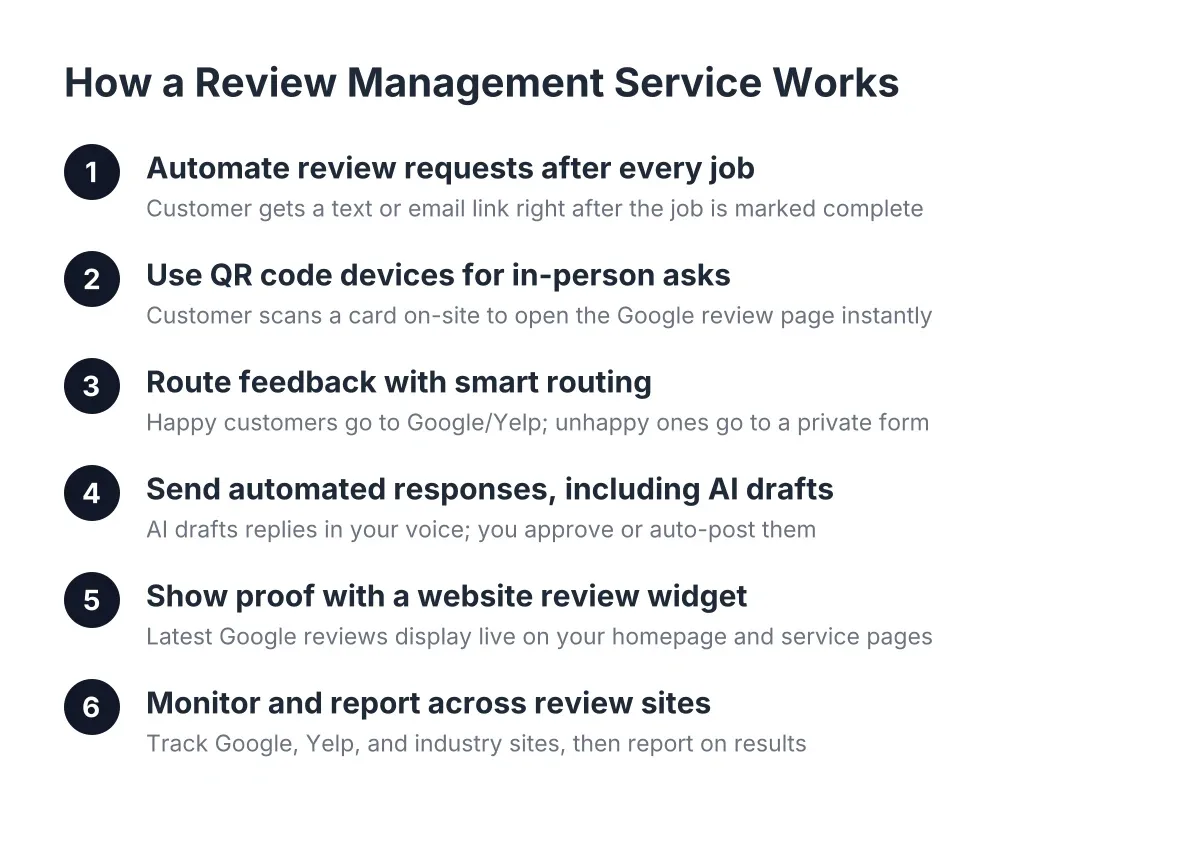
The single most important feature in any review management software is automation that sends review requests by text and email after every job, without you remembering to do it. Manual requesting always dies within three weeks because you are busy running the business. If a tool requires you to log in and click "send" for each customer, it will fail you.
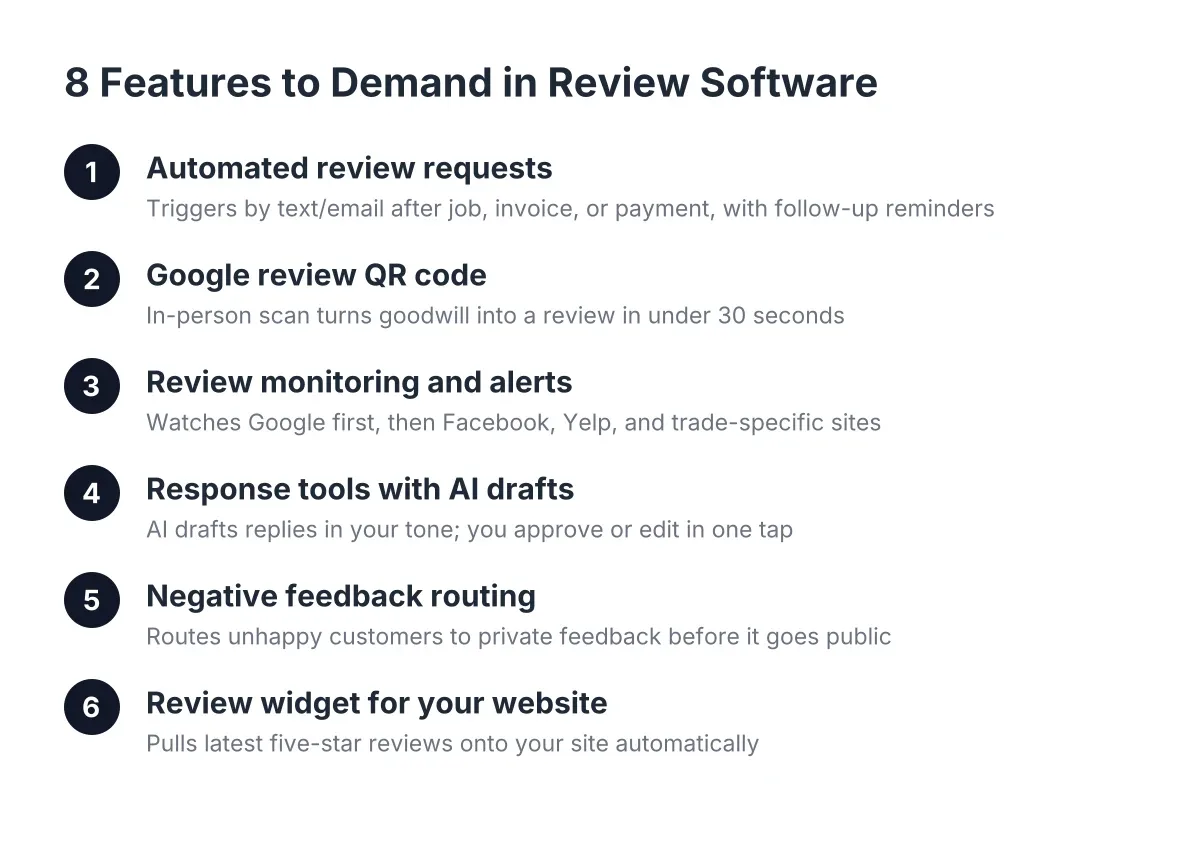
Look for tools that trigger requests automatically from your job completion, invoice, or payment event. The best setups also send a polite follow-up reminder two or three days later, because most customers intend to leave a review and simply forget. Our standalone Reviews plans (Basic, Pro, and Growth) are built around exactly this: AI-powered automation that does the asking so you can keep doing the work.
Automation Features in Online Reputation Management Software
Suppose you run a two-person HVAC outfit in Phoenix, AZ during a 115-degree July. You are doing six emergency calls a day. Nobody is pausing between attics to text review links. In that scenario, an automated system that fires a request the moment the invoice is marked paid is the difference between harvesting 20 reviews that month and harvesting zero.
2. A Google Review QR Code Option for In-Person Asks
For trades and local service businesses, the moment of highest goodwill is standing in the customer's driveway after a job well done. A Google review QR code device, a physical card or stand the customer scans with their phone, turns that moment into a review in under 30 seconds. No typing your business name into Google, no hunting for the right listing.
This matters because friction kills reviews. Every extra tap loses people. We sell QR review devices for exactly this reason: scan, tap, five stars, done. When you evaluate software, ask whether in-person collection is supported or whether the tool assumes every request happens by text after the fact. The best answer is both.
3. Review Monitoring and Alerts Across the Sites That Matter
Good online reputation management software watches your reviews for you and alerts you the moment a new one lands, especially a negative one. A one-star review sitting unanswered for two weeks does more damage than the review itself, because every prospect who reads it sees a business that is not paying attention.
For a local business, prioritize tools that monitor Google first, then Facebook, Yelp, and any industry-specific sites relevant to your trade. Be skeptical of platforms that brag about monitoring 150 sites. You are a plumber in Phoenix, AZ, not a hotel chain; most of your review activity likely lives on just a couple of platforms. Paying enterprise prices for coverage you will never use is how small businesses end up resenting their software.
4. Response Tools, Including AI Drafts You Can Approve
Responding to reviews is not optional, and the data is blunt about it. According to BrightLocal, 88% of consumers say they would use a business that replies to all of its reviews, compared to just 47% for a business that never responds. That is the gap between winning the job and losing it, controlled entirely by whether you type a few sentences.
However, nobody who runs a service business has time to write thoughtful responses to every review. Look for software that drafts responses with AI, matches your tone, and lets you approve or edit in one tap. Our Pro and Growth plans include AI-assisted responses for exactly this reason: the response goes out the same day, and it sounds like you, not a corporate template.
5. Negative Feedback Routing Before It Goes Public
The best systems ask the customer how their experience went before pointing them anywhere. Happy customers get routed straight to Google. Unhappy customers get routed to a private feedback form that lands in your inbox, giving you a chance to fix the problem before it becomes a public one-star review.
One honest caveat here: you cannot, and should not, block unhappy customers from reviewing you publicly. Google's policies prohibit review gating, meaning you cannot only ask happy customers for public reviews. The compliant version is giving everyone the same path while making private feedback an easy, visible option. A trustworthy vendor will explain this distinction up front; a sketchy one will promise you will "never get a bad review again." Walk away from the second kind.
6. A Review Widget for Your Website
Reviews that live only on Google are doing half their job. A review widget pulls your latest five-star reviews onto your website automatically, so a visitor comparing you against two competitors sees fresh social proof without leaving your site. Fresh is the key word; a widget showing reviews from 2023 signals a business that stalled.
This is where review software and your website stop being separate purchases. A fast, mobile-first site with live reviews embedded converts better than either piece alone, which is why we bundle custom website design with review automation in one package instead of selling you two disconnected tools. If you already have a site you like, confirm the review software you choose offers an embeddable widget that works with your platform. Worth noting from BrightLocal: while 89% of small and midsize businesses invest in organic SEO, only 40% say they have a dedicated business website. If you are in that gap, fix the website and the reviews together.
7. Honest, Published Pricing You Can Budget Around
If a vendor makes you book a demo to learn the price, the price is high. Decision-stage buyers deserve numbers, so here is the realistic 2026 landscape for a small local business, plus where our plans sit:
- Reviews-only plans: typically $99 to $399 per month across the market. Our Basic, Pro, and Growth plans run in that same $99 to $399 range, scaling by automation depth, AI response features, and volume.
- QR review devices: usually a modest one-time cost per card or stand, cheap enough to put one in every truck.
- Website plus reviews packages: our integrated package starts at $1,499 one-time for the custom build plus $199 per month covering hosting, support, local SEO, and review automation.
- Enterprise online reputation management tools: often $500 to several thousand per month, built for multi-location review management and brand monitoring you do not need yet.
The comparison to run is simple. If your average job is worth $350 and better reviews win you two extra jobs a month, a $99 to $199 plan pays for itself several times over. If the math does not clear that bar for your business, wait until it does.
8. Setup and Support Built for Owners, Not IT Departments
The feature nobody lists on the pricing page is the one that determines whether the software gets used: how much work lands on you during setup. Plenty of owners buy a capable platform, stall on connecting their Google Business Profile, and quietly pay for six months of nothing. If you are tech-overwhelmed, that is not a character flaw; it is a reason to choose a vendor who does the setup for you.
Ask every vendor three questions before you buy. Who connects my Google profile and customer list? How long until my first automated request goes out? And who do I call when something breaks, a founder-led team or a ticket queue? We built our onboarding around doing the setup ourselves because a tool you never configure is just a subscription you donate to.
How to Choose Online Reputation Management Software This Week
You do not need a 40-tab spreadsheet. Shortlist two or three tools that hit the eight features above, confirm the pricing fits your job economics, and ask each vendor the setup questions from item eight. Then pick one and start, because every month you deliberate is a month your competitor with the uglier website and the better review count books the customers you earned.
One more stat worth sitting with: 91% of consumers say local branch reviews affect their overall perception of big brands, per BrightLocal. If reviews can move perception of national chains, they absolutely decide who wins a head-to-head between two local companies in Phoenix, AZ. Too many great businesses lose to bigger, shittier brands simply because the better business never asked for the review. The right software, whether it is our Basic, Pro, or Growth plan or someone else's, makes sure you ask every single time.
If you need web design, Revenue Goblin can help.